

Your Business Has Upgraded. Has Your Odoo?
We specialize in complex Odoo upgrades — version jumps, custom module refactoring, and Community-to-Enterprise migrations — all tailored to your workflows.
Estimate your Odoo upgrade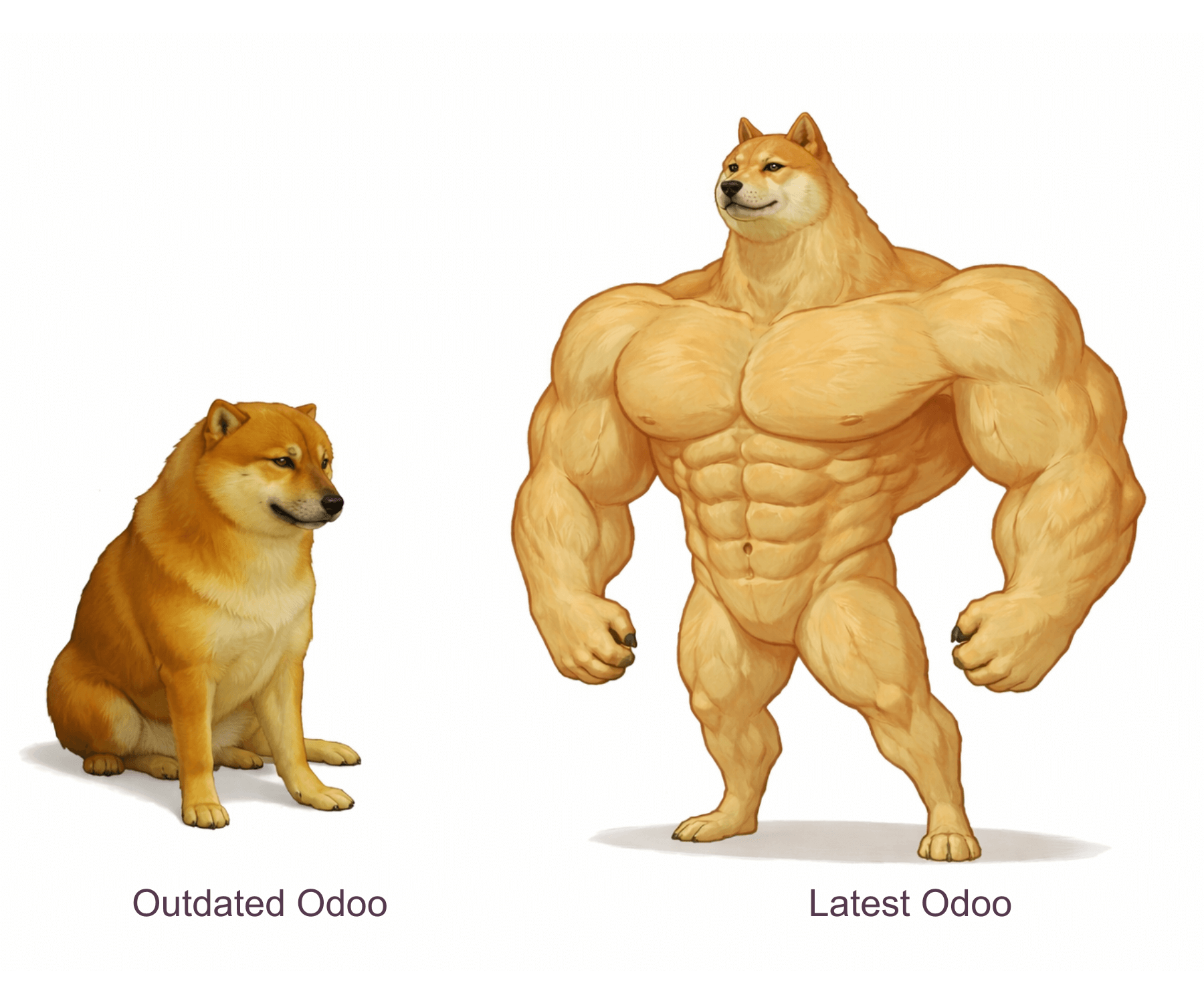
Get instant Odoo Upgrade estimation
How the Odoo Upgrade Calculator Works
Our Odoo upgrade calculator gives you a first rough estimate in about five minutes. To estimate Odoo upgrade work, it asks for the parameters that drive the scope:
- the Odoo version you run now and how many versions you need to skip
- the number of custom modules
- the approximate data volume
- integrations, such as accounting, eCommerce and delivery services
- the hosting type, such as Odoo.sh or on-premise
The result is an approximate range, not a fixed quote. The exact Odoo upgrade cost is known only after a technical analysis of your custom code, data and integrations.
Trusted by:





Problems Related to Outdated Odoo Versions
Lack of Official Support
Higher Long-Term Costs
Poor Performance & Scalability
Compatibility Issues
Difficult to Find Talent
Increased Risk of System Failure
Security Vulnerabilities
Missed Features and Productivity Loss
How VentorTech Solves These Odoo Challenges

In-Depth Odoo System Audit
We evaluate your current setup, custom modules, and integrations to ensure nothing breaks during the upgrade.

Odoo Version Jump Planning
We create a tailored step-by-step strategy to upgrade across multiple versions (e.g., from 14 to 17 to 19), ensuring data integrity and system stability.

Smooth Migration from Odoo Community to Enterprise
Benefit from the advanced features of Odoo Enterprise without disruptions to your business processes.

Custom Odoo Module Refactoring
We migrate, rewrite, or replace custom modules to ensure compatibility with the latest Odoo standards.

Minimal Downtime Upgrade Execution
We work around your business hours to minimize (or eliminate) system downtime and have a reliable rollback scenario.

Post-Migration QA & Support
After the upgrade, your team validates key business scenarios in the new version, and we provide training on new features and ongoing support under the SLA.
Don’t Let Outdated Odoo Hold Back Your Growth — Experience a Seamless Odoo Upgrade Today.
contact usOur Odoo Upgrade Process
Our Odoo upgrade process starts on a test copy of your database, so your team keeps working in the current version while modules, integrations and key business scenarios are prepared and checked.
📞 Consultation & System Audit
We assess your current Odoo instance and outline the safest and most efficient upgrade path.
📋 Upgrade Path & Timeline Planning
You will have a clear Odoo upgrade roadmap — including risks, costs, and duration.
💾 Data Backup & Pre-Migration Testing
We create a safe Odoo sandbox and test every step before touching your live system.
🛠️ Core Upgrade Execution
Includes migration or replacement of core modules, custom apps, third-party integrations, and data migration.
💻 Validation & User Training
Your team tests the upgraded Odoo system, and we ensure that you know how to use the new features.
💬 Ongoing Support & Optimization
Continuous improvement and support as your business evolves (according to the SLA).
Why Choose VentorTech for your Odoo Upgrade
- 🔹 Working with Odoo since v6.1 (OpenERP): We’ve upgraded every major version — from legacy builds to the latest releases.
- 🔹 Experts in default and highly customized system upgrades: Whether we’re looking at a clean setup or a deeply customized instance — we’ve handled them all.
- 🔹 Creators of recognized Odoo apps: We’ve built and migrated our own products, so we understand upgrade complexity from the inside.
- 🔹 Proven experience with large databases and complex migrations: From thousands to millions of records, we migrate without data loss.
- 🔹 Odoo Gold Partner and BOP Alliance member: Recognized expertise and close collaboration with the Odoo ecosystem.
- 🔹 Smart approach to your custom code: We don’t blindly migrate — we analyze what's now available out-of-the-box to simplify and future-proof your system.
- 🔹 Upgrade-friendly mindset: We build every implementation with future upgrades in mind, which minimizes future costs and complications.
- 🔹 Cost-effective, high-quality delivery: Our EU-based dev center provides world-class service at a reasonable price.
Case Study

Networking and voice equipment.
Problem: The client’s Odoo 15 system had 79 modules, including several custom ones, and was facing performance limitations.
Solution: We migrated the system to Odoo 16 in just one month, refactoring custom modules, removing unnecessary JavaScript, and resolving complex code issues.
Result: system performance doubled, new Odoo 16 features replaced hundreds of hours of custom development, and several processes were automated, optimizing staff workload. All 79 modules were successfully migrated, delivering operational improvements.
Inox World Pty Ltd
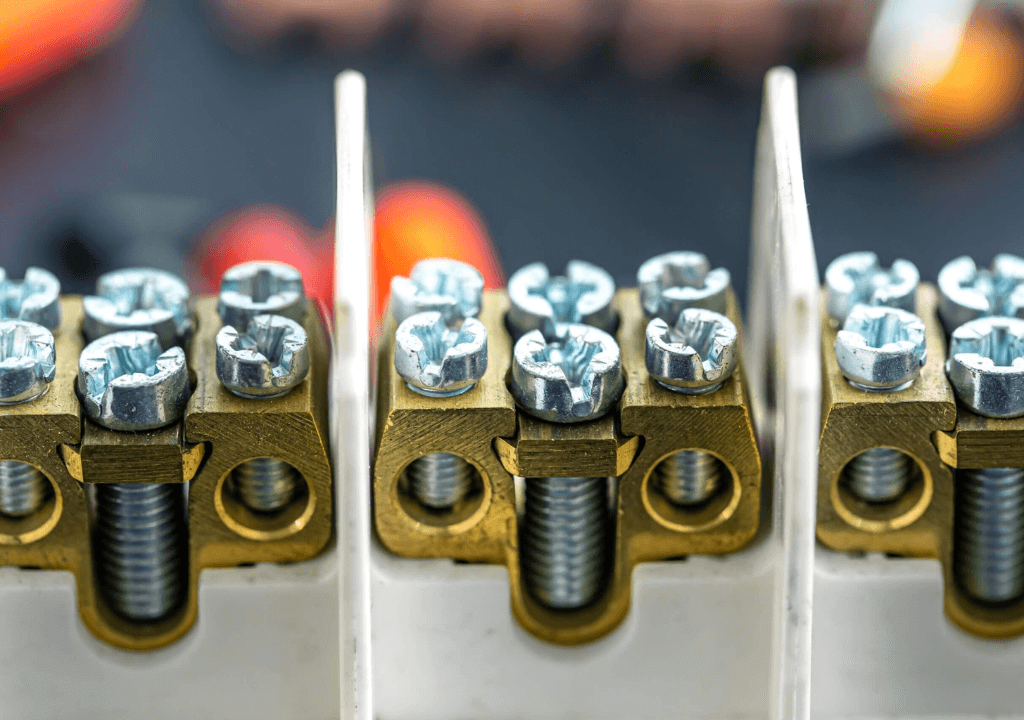
Wholesale of Steel Fasteners and Hardware.
Problem: The company has an outdated ERP system (OpenERP 7) and disconnected additional tools like Excel and OpenCart.
Solution: We upgraded Odoo 7 to Odoo 18, unlocking enhanced ordering, invoicing, shipment tracking, product catalog management, and wholesale pricing.
Result: The company gained faster order processing, improved supply chain visibility, and fewer errors through centralized data and automation.
Learn More
Medical device manufacturer in the USA.
Problem: The migration involved 122 custom modules, including 53 high-complexity ones, with 26 needing full JavaScript rewrites. Critical modules like Forecast Report, Sales Board, Odoo Portal, and Accounting faced challenges such as logic issues and extensive data migration.
Solution: We prioritized modules by complexity, assigned teams for rewrites, migrated data in phases with validation, and tested accounting and portal functionality.
Result: This led to smooth migration from Odoo 12 to Odoo 17.
Upgrading Legacy Odoo Versions
Many of our upgrade projects start several versions behind. To upgrade a legacy Odoo version safely, we plan the version jump, review which custom modules are still needed and test the result on a copy of the database before go-live. Examples from the projects on this page:
- OpenERP 7 to Odoo 18: for Inox World, a wholesaler of steel fasteners and hardware, this Odoo 18 migration replaced an outdated ERP and disconnected tools such as Excel and OpenCart.
- Odoo 12 to Odoo 17: a US medical device manufacturer with 122 custom modules, 53 of them high-complexity and 26 needing full JavaScript rewrites.
- Odoo 15 to Odoo 16: a networking and voice equipment company with 79 modules, migrated in one month.
- Odoo 16 to Odoo 19 and Odoo 17 to Odoo 19: upgrades for Traun Capital and VDO Webshop, described in the testimonials below.
Testimonials:
We’ve been using VentorTech’s apps for many years, and we asked them to support our upgrade from Odoo 17 to Odoo 19. The process went smoothly from start to finish, and we didn’t encounter a single issue after going live. Highly recommended!
🇳🇱 The Netherlands, Oud Gastel

Bas Bakker, Manager
VDO WebshopVentorTech handled our Odoo migration from version 16 to 19 with great professionalism and expertise. Their team was highly responsive throughout the entire process and always provided clear, reliable answers. They proactively identified potential issues, helped us clean up unused custom modules, and successfully migrated the ones we needed. A smooth and well-managed experience — highly recommended!
🇦🇹 Austria, Ottnang am Hausruck

Felix Fussenegger, Private Equity Associate
Traun Capital Beteiligungs GmbHWe consider it a total success. Thank you to the team for the great work in this upgrade.
🇺🇸 United States, Vermont, Burlington

Philip Batalion, System Manager
Network Craze TechnologiesScale Smarter with Odoo Upgrade!
book a free consultationFAQ
-
⬆️ We’re still on Odoo 13. Can we upgrade directly to Odoo 19?
Yes, upgrading from Odoo v13 to v19 Enterprise is possible, but it requires careful planning. Start by mapping key business workflows and checking if newer Odoo versions now support them natively — this step can reduce or eliminate the need for custom code. Avoid blindly migrating all modules; evaluate what's truly needed. A clean install with selective data and feature migration is often safer and more cost-effective than upgrading in-place. Most importantly, ensure that your data is clean — poor data hygiene is a common upgrade killer.
-
🤔 What’s the difference between Community and Enterprise editions?
Enterprise includes major advantages like localized accounting (per country), advanced financial reporting, a powerful website and eCommerce builder, and official support from Odoo S.A. It also gives you access to Odoo Studio and regular upgrades. We will help you assess whether the switch fits your business needs.
-
☁️ Can we upgrade from Odoo Online to Odoo.sh?
Yes, it's possible — and often recommended if you need more flexibility. Odoo Online is a fully managed SaaS version with limited access to the backend (no custom modules or deep server control). Odoo.sh, on the other hand, gives you full access to the codebase, custom modules, staging environments, and version control (Git). To migrate, your database is exported from Odoo Online and restored on Odoo.sh.
-
💰 What is the 25% surcharge for outdated Odoo versions?
Starting in 2025, Odoo introduced a 25% surcharge on the subscription cost for customers using versions that are more than three years old. This applies to Odoo Enterprise users who haven't upgraded to a supported version.
The goal is to encourage businesses to stay up to date with the latest features, security updates, and performance improvements. Upgrading avoids this extra fee and keeps your system in line with current best practices — both technically and financially.
-
🧮 How much does an Odoo upgrade cost?
The cost of upgrading Odoo depends on many factors — your current version, Odoo edition, the level of customization, number of custom code lines, whether third‑party apps are already updated by their authors, and even whether certain custom features are now available out‑of‑the‑box in newer versions.
To give you a first rough estimate, we’ve created a simple Odoo Upgrade Cost Estimator that instantly provides an approximate upgrade cost. You can get your estimate in just five minutes by answering a few quick questions.
Please note that the final cost may vary, as it’s impossible to account for every scenario upfront — it can be higher or even lower (for example, if some custom features are no longer needed or replaced by native functionality).
Get your Odoo upgrade cost right now — try our smart calculator. -
How long does an Odoo upgrade take?
It depends on the number of custom modules, integrations, the condition of your data and how many versions you skip. As a reference, we migrated a system with 79 modules from Odoo 15 to Odoo 16 in one month. The final switch to the new version is usually scheduled at night or on a weekend, within a downtime window agreed in advance. You get a timeline during upgrade planning.
-
Will our team have to stop working during the upgrade?
No. Preparation and testing run on a test copy of your database, so employees keep working in the current Odoo version. Modules and integrations are adapted there, and key processes such as purchasing, sales, warehousing and accounting are checked. The final migration is scheduled for the time with the lowest workload, usually at night or on a weekend, within an agreed downtime window.
-
Should we do an Odoo 18 migration or go straight to Odoo 19?
Both paths are possible. Skipping several versions is feasible with careful planning: we have upgraded clients from Odoo 16 and Odoo 17 directly to Odoo 19. The right target depends on your custom modules and on whether the third-party apps you use already support the newer version. We review this during the system audit and agree on the target version with you before work starts.
-
Can you upgrade a heavily customized Odoo database?
Yes. We upgraded a medical device manufacturer from Odoo 12 to Odoo 17 with 122 custom modules, including 53 high-complexity ones and 26 that needed full JavaScript rewrites. Another client moved from Odoo 15 to Odoo 16 with 79 modules in one month. We do not migrate custom code blindly: modules that are now covered by standard Odoo features can be retired.
Upgrade, Refactor, Optimize — Get More From Odoo!
Don’t delay your Odoo upgrade. If your current version can’t keep up with your business growth, it’s time to move forward.
👉 get a free consultation or Call Us at:
🇺🇸 +1 305 404 28 43
🇪🇺 +48 732 225 396